Strong Passwords and Two-Factor Authentication, Explained Simply
You do not need to be a tech expert to lock down your accounts. How to create passwords you can remember, why reusing them is risky, and how two-factor authentication adds a second lock.
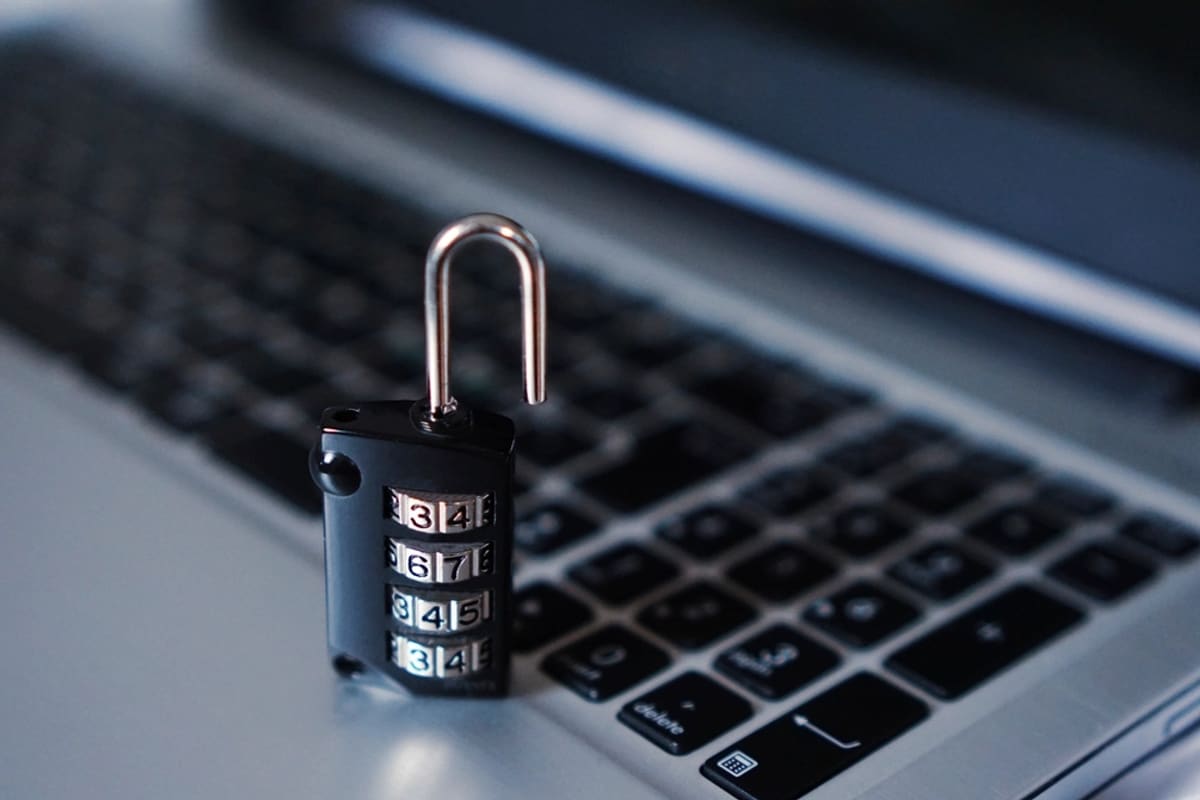
Think of the accounts you use every week: email, WhatsApp, a bank app, a shopping site, social media, maybe a government portal or two. Each one sits behind a password, and for many people it is the same password, or a small variation of it, used everywhere. That is completely understandable. It is also the single biggest reason ordinary accounts get taken over.
This guide covers two things that together protect you far better than any clever trick: good passwords and a second step at login.
How passwords actually get stolen
It helps to know what you are defending against. Most people imagine a hacker guessing their password one attempt at a time. In reality, the common routes are more mundane:
- A website you signed up for years ago is breached, and its list of emails and passwords is leaked online.
- Criminals take those leaked pairs and try them automatically on email, banking and shopping sites, hoping you reused them.
- A phishing page tricks you into typing your password into a fake login screen.
- Simple passwords like names, birthdays, "123456" or "password@123" are tried first because so many people use them.
Notice that length and reuse matter far more than how many symbols you squeeze in.
What makes a password strong
A strong password is long, unpredictable and used in only one place. Length is the most important of the three, because every extra character multiplies the number of possible combinations.
An easy way to get length without pain is a passphrase: three or four unrelated words strung together, perhaps with a number or symbol. Something like a random mix of a fruit, a colour, a place and a number is far harder to crack than a short word with an "@" in the middle, and much easier to remember.
Things to avoid:
- Your name, your children's or pet's names, birthdays, anniversaries or phone numbers.
- Your city, favourite team or anything visible on your social media profile.
- Keyboard patterns like "qwerty" or "1qaz2wsx".
- The same password with only the last digit changed for each site.
Never reuse your important passwords
If you only fix one thing, fix reuse. When one site leaks, a reused password becomes a key to every other account that shares it. Your email password matters most of all, because anyone who controls your email can reset the passwords of almost everything else.
Give your email, banking and main social media accounts their own unique passwords today, even if you leave less important accounts for later.
Let a password manager remember them
Nobody can memorise thirty unique passphrases. A password manager is an app that stores them in an encrypted vault, fills them in for you and can generate strong new ones. You only need to remember one strong master password. Most phones and browsers now include a built-in password manager, and several well-known independent ones exist as well.
If you prefer paper, a notebook kept safely at home is still better than reusing one password everywhere. Just do not photograph it or keep it in your wallet.
Two-factor authentication: the second lock
Two-factor authentication, often called 2FA or two-step verification, means that logging in needs two things: something you know, like a password, and something you have, like your phone. Even if someone steals your password, they cannot get in without the second step.
The common forms are:
- A one-time code sent by SMS. This is widely used and far better than nothing.
- A code from an authenticator app on your phone, which changes every thirty seconds and does not depend on your SIM card.
- A prompt on your phone asking you to approve or deny the login.
- Passkeys or security keys, which use your phone's fingerprint or face unlock, or a small physical device, instead of a typed password.
Authenticator apps and passkeys are generally more secure than SMS codes, because SMS can be intercepted through tricks like SIM swapping. Use the strongest option each service offers.
Where to turn it on first
Start with the accounts that would hurt most to lose. Look in each app's settings under "Security", "Privacy" or "Account".
- Your main email account.
- WhatsApp, which offers a six-digit PIN under two-step verification.
- Social media accounts, especially ones linked to your phone number.
- Any online shopping account that stores your card.
- Cloud storage where your photos and documents live.
When you enable 2FA, most services give you backup codes. Write them down and keep them somewhere safe; they get you back in if you lose your phone.
Frequently asked questions
How often should I change my passwords?
There is no need to change a strong, unique password on a fixed schedule. Change it straight away if the service reports a breach, if you typed it into a suspicious page, or if you notice any activity you do not recognise.
Is it safe to let my browser save passwords?
For most people, yes, provided your device itself is protected with a screen lock and you do not share it freely. It is much safer than reusing a weak password.
If I have 2FA, can I still be hacked?
It becomes much harder, but not impossible. The most common way around it is persuading you to share the code. Never read out or forward a login code to anyone, whatever reason they give.
A realistic weekend project
You do not need to fix everything at once. Set aside an hour: give your email a long, unique passphrase and turn on two-step verification, then do the same for your bank and WhatsApp. Once those three are secure, the rest can follow gradually.